
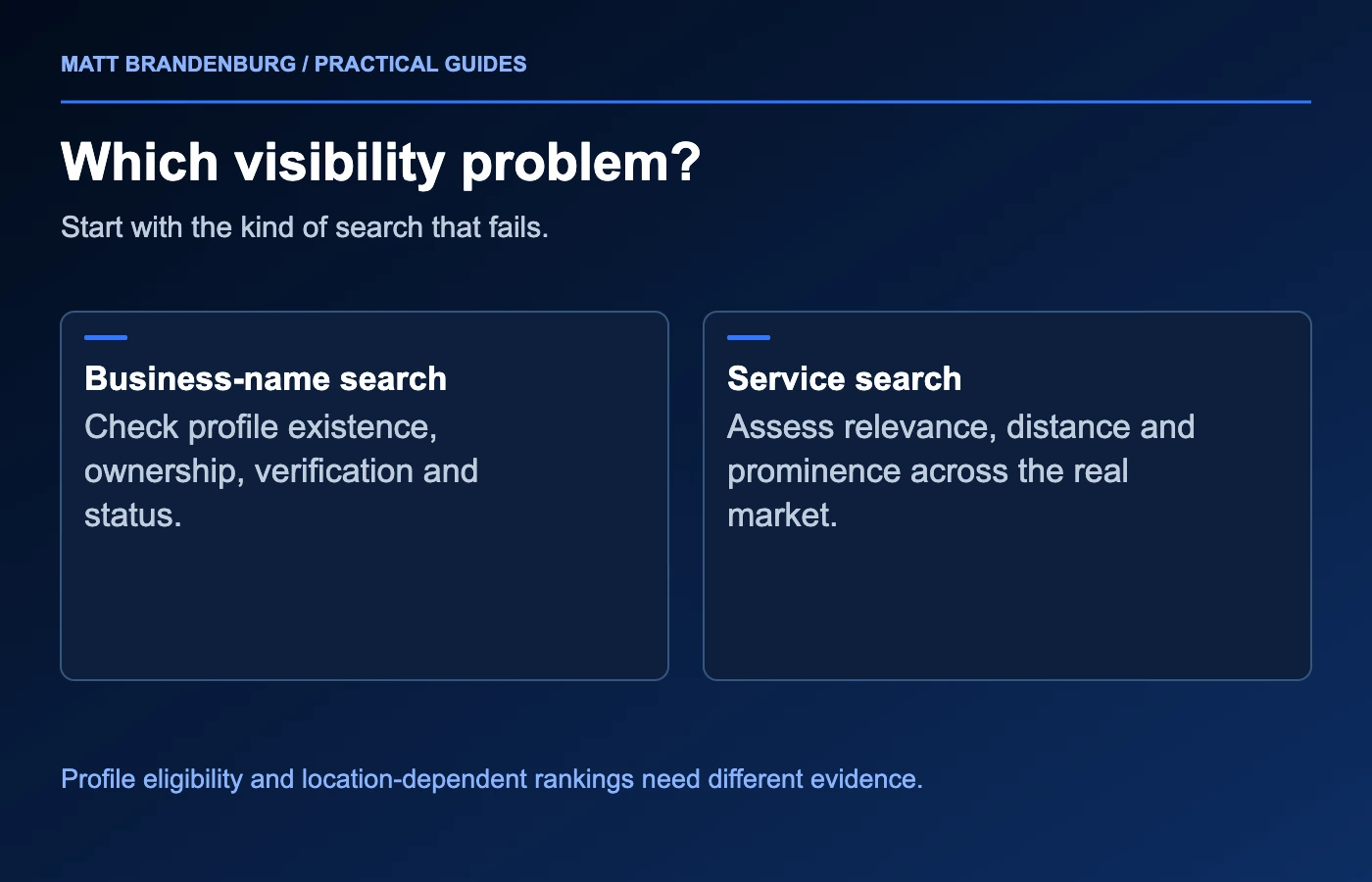
When your business does not appear on Google Maps, start by checking whether the profile is missing altogether or simply does not rank for a particular service search. A profile that appears for your exact business name but not for “plumber” across town presents a different problem from a suspended or unverified profile.
Write down the search, the place you searched from and the result you expected. Then work through the checks below. This keeps a frustrating visibility problem from turning into a series of unnecessary profile changes.
1. Look for the existing profile before creating anything
Search Google Maps for your business name and city. Also check the profile while signed in to the Google account that manages it. Google's guide to finding your Business Profile explains the available routes.
Record what you find:
| Situation | First useful check |
|---|---|
| The profile appears publicly by name and city | Compare visibility for the specific services and locations that matter. |
| You can manage the profile, but it does not appear publicly | Read its verification, restriction or suspension messages. |
| A profile exists, but you cannot manage it | Use Google's ownership-request guidance for the existing profile rather than creating a new one. |
| Two profiles appear for the same business | Review whether they are genuine separate eligible locations or duplicates before changing or removing either one. |
| You recently changed important business details | Check the status of those changes and any new verification request. |
Do not create another listing just because the first search was disappointing. It can leave you with competing versions of your own business information and a more complicated support issue.
If the missing item is your website's ordinary search result, follow the website-not-showing-on-Google checklist instead. A website and a Business Profile are connected parts of your presence, but each has its own status and controls.
2. Read verification and suspension notices carefully
Open the management view and check whether Google is asking for verification, reviewing a change or restricting the profile. Follow the route offered for that specific business. Keep a note of what was submitted, when it was submitted and what the interface currently says.
If the profile is suspended, review the stated policy issue and identify any corrections needed to meet the guidelines. Make those corrections where the management interface allows; if a required edit is unavailable, follow the official support guidance for that issue before appealing. Google's suspension guidance identifies the official appeals process and possible supporting evidence, such as business registration or utility documentation. It also says not to create a replacement profile for the same business.
Use evidence that belongs to the business and matches the facts being represented. A mismatched name or address creates another question to resolve. Keep documents private and submit them only through the appropriate official support flow.
For an ownership problem, follow the route for your business type: Google's ownership guide distinguishes storefront and hybrid profiles from service-area businesses that need to contact support. The next step is access to the existing record, not a fresh marketing campaign. For a suspension, the next step is resolving the profile status. For a verified public profile that ranks poorly, move on to the visibility checks below.
3. Make sure the profile represents the real business
Review the business name, primary category, address or service area, hours, phone number and website. The information should help a customer recognize the business and understand what it does.
Use the real business name. Adding service keywords or city names that are not part of that name can create a policy problem. Choose categories that describe the business, and do not use additional profiles to manufacture a presence in places where there is no eligible location. Google's representation guidelines explain the rules, including exceptions for some practitioners and departments.
A service-area business needs particular care. If you do not serve customers at your business address, Google's guidance is to remove that address from the public profile and list your service area instead. List the places the business actually serves rather than stretching the list to every market you would like to reach. Google's service-area guidance describes the relevant business types and settings.
Treat the service-area field as customer information. It is not a promise that the profile will rank throughout every listed city. Keep a separate record of where you can realistically deliver the service, including travel constraints and the jobs you are willing to accept.
4. Understand why visibility changes by search location
Google describes relevance, distance and prominence—how well-known the business is—as factors in local ranking. Accurate information helps Google understand the business, and the searcher's location also affects results. Google states that you cannot request or pay for a better local ranking. Its local-ranking guidance describes these factors.
That means a single search from your office cannot describe your visibility across a whole market.
Consider a hypothetical home-service company that appears for its exact name and shows well near its base, but is difficult to find several miles away. That pattern does not establish a suspension. It suggests a location-dependent visibility question that needs consistent measurement.
Choose a small set of important services and places. Check them using the same method over time. A geo-grid can make the pattern easier to see, provided the report preserves the search term, coordinates, date and settings. My guide to reading local SEO geo-grids explains how to interpret those results without treating every colored dot as a complete business outcome.
Keep diagnosis separate from speculation. An unusual result could reflect location, a different query, a changed competitor or a data-collection issue. Repeat a comparable check before making a major decision.
5. Choose improvements that match the evidence
Once the profile is public and accurate, look at what a prospective customer actually sees. Are the services clear? Does the linked website explain the work and the areas served? Are the hours dependable? Do photos show the real business? Are reviews, including critical ones, receiving accurate and useful responses?
Prioritize specific gaps. A broken website link deserves a repair. An outdated phone number deserves a correction. A service page that does not explain the offering deserves better information. These actions are easier to evaluate than changing many profile fields in the hope that one will move rankings.
For planning, the Local SEO Market Planner can help organize the markets you want to assess. Use actual visibility measurements and business capacity when deciding where to focus next.
Track more than search position. Record relevant calls and inquiries, whether they were received, and whether the business could serve the customer. Better visibility for work you cannot perform is not the same as better demand.
6. Keep a simple issue record
Before contacting support or hiring help, collect the profile link, management status, exact symptom, affected searches and dates of recent changes. Add screenshots that show the issue, while keeping private documents and customer details out of public posts.
End the record with one next action: complete the requested verification, address a suspension, recover access, correct inaccurate information or investigate visibility across the market. Assign someone to check the outcome and update the record.
If you need help working out which problem you have, see how I approach Local Search and Maps or send me the profile and the searches you have checked. The first useful result is a clear diagnosis and a next step supported by evidence.